How to Use a PS5 Controller on PS4 Connection and Compatibility Guide
18 August 2026 | 289
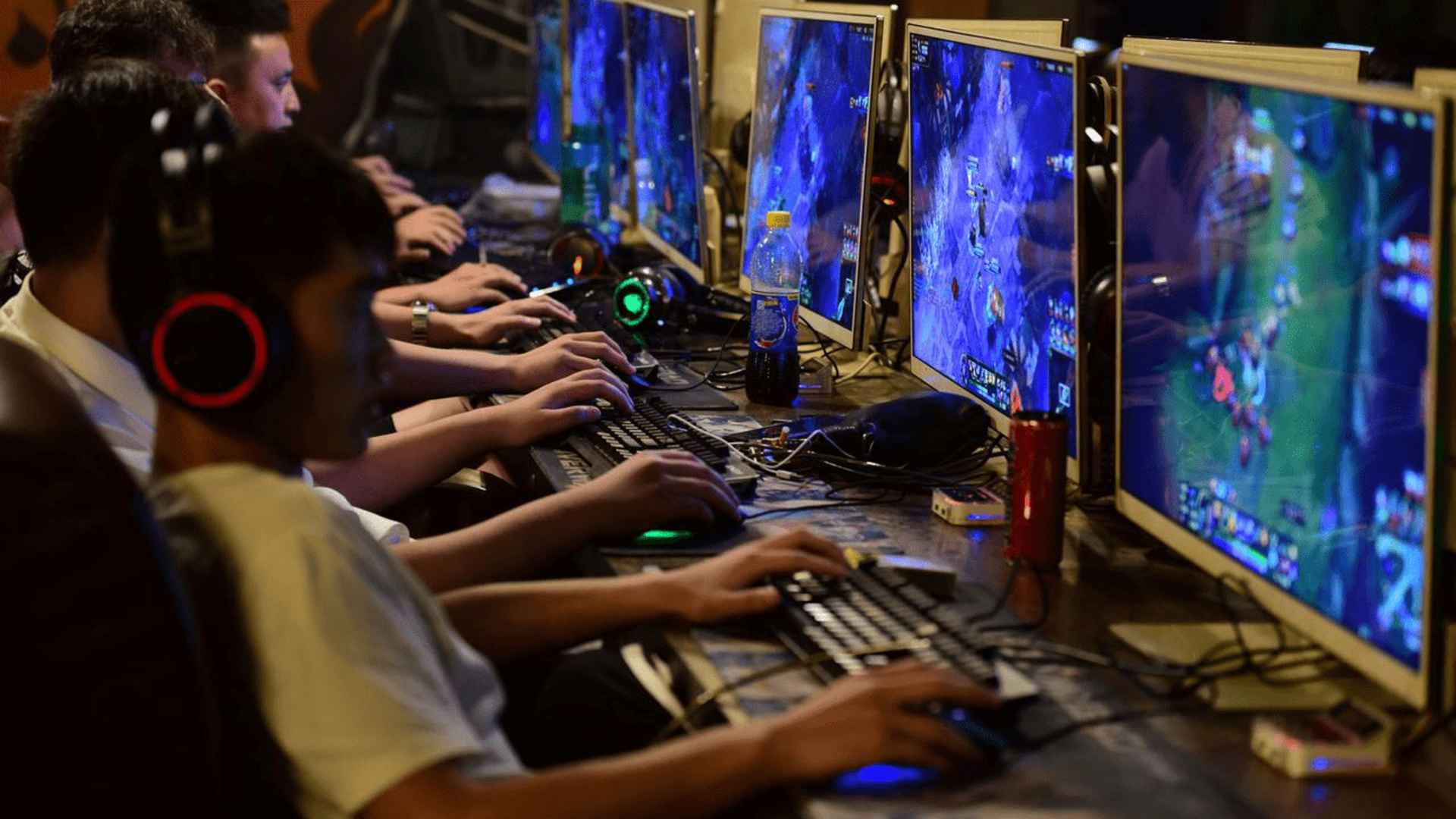
Many gamers enjoy the ergonomic design and advanced features of the DualSense gamepad and wonder if it can be paired with older console systems. While Sony built the newer controller specifically for its current-generation platform, cross-generation hardware setups remain a popular topic among players. This guide explores the realistic setup options, connection workarounds, and platform limitations you will encounter when trying to pair these systems together.
Direct Bluetooth and USB Connection Realities
If you attempt to plug a DualSense peripheral directly into the older console using a standard USB cable, the system will recognize the hardware only as a generic charging device. The console interface will not accept button inputs directly from the advanced device through a basic wireless Bluetooth sync either. This strict compatibility lock occurs because the older platform lacks the internal software drivers required to translate the unique inputs of the current-generation hardware.
Consequently, standard methods that work perfectly between native peripherals fail immediately when bridging these two distinct hardware generations. Players must look toward software-based streaming options or external hardware adapters to bypass this systemic restriction. Fortunately, alternative options exist that allow you to interact with your favorite legacy library using a newer gamepad layout.
Utilizing Remote Play as a Seamless Workaround
The most accessible method to achieve this setup involves utilizing Sony's official streaming application on a secondary device. By connecting your modern controller to a personal computer or smartphone, you can stream the console interface across your home network. This configuration relays your input data effortlessly through the local connection, letting you bypass direct console hardware restrictions entirely.
Many players prefer this digital method because it avoids the need to purchase extra hardware accessories. The system response remains remarkably smooth as long as you maintain a stable internet connection throughout your gaming session. This approach serves as an efficient solution for exploring digital worlds without needing to swap hardware inputs frequently.
External Adapters and Third-Party Solutions
For players who prefer a direct connection without relying on a streaming network, specialized USB adapters offer a reliable hardware alternative. These compact third-party accessories plug directly into the console port and act as an active translator for wireless controller signals. They modify the incoming data streams from the modern controller so the legacy platform can read them as standard native commands.
Using a high-quality physical adapter generally eliminates noticeable input delay during intense gameplay scenarios. This makes it an ideal choice for fast-paced titles that demand precise timing and instantaneous physical responses. However, players should note that unique immersive properties like adaptive trigger resistance will not carry over through this hardware bridge.
Understanding Layout and Feature Compatibility Limitations
Even when you successfully bridge the communication gap using a specialized adapter or streaming link, certain advanced features will remain unavailable. The sophisticated haptic feedback engines and dynamically adjusting triggers will automatically default to standard basic vibration modes. This happens because older games were never programmed to utilize the complex sensory technology embedded inside the modern gamepad design.
Additionally, the touch bar maps directly to the standard touchpad functions found on the legacy peripheral. The button layout translates accurately across both devices, ensuring you retain full tactical command over your in-game movements. Managing these hardware expectations ensures a satisfying gaming experience when revisiting classic legacy adventures.